

Last Updated: November 15, 2026
Quick Summary
To get a phone case fit for your model, find your exact model name and number in Settings > About phone and match it to the seller's compatibility list, not the screen size. Two phones with the same display can take different cases, so buy for the precise model and check the camera cut-outs.
- Find your model in Settings > About phone, which takes under a minute.
- If the settings name and printed number disagree, trust the printed number.
- A case sold for the iPhone 14 will not fit the iPhone 15.
- A loose case lets grit in behind the phone and scratches the finish.
Table of Contents
- Start With Your Exact Model, Not the Screen Size
- How to Find Your Phone Model in Settings and on the Device
- iPhone Case Compatibility Chart: Which Generations Share a Case
- Phone Case Size and Camera Cut-Outs: The Details That Decide Fit
- Order Your Personalised Case With the Right Model Selected
- Frequently Asked Questions
Start With Your Exact Model, Not the Screen Size
Will a phone case fit my model? The honest answer starts with one number, not the size of the screen. Two phones can show the same 6.1-inch display and still take completely different cases, because case fit depends on the body, not the glass.
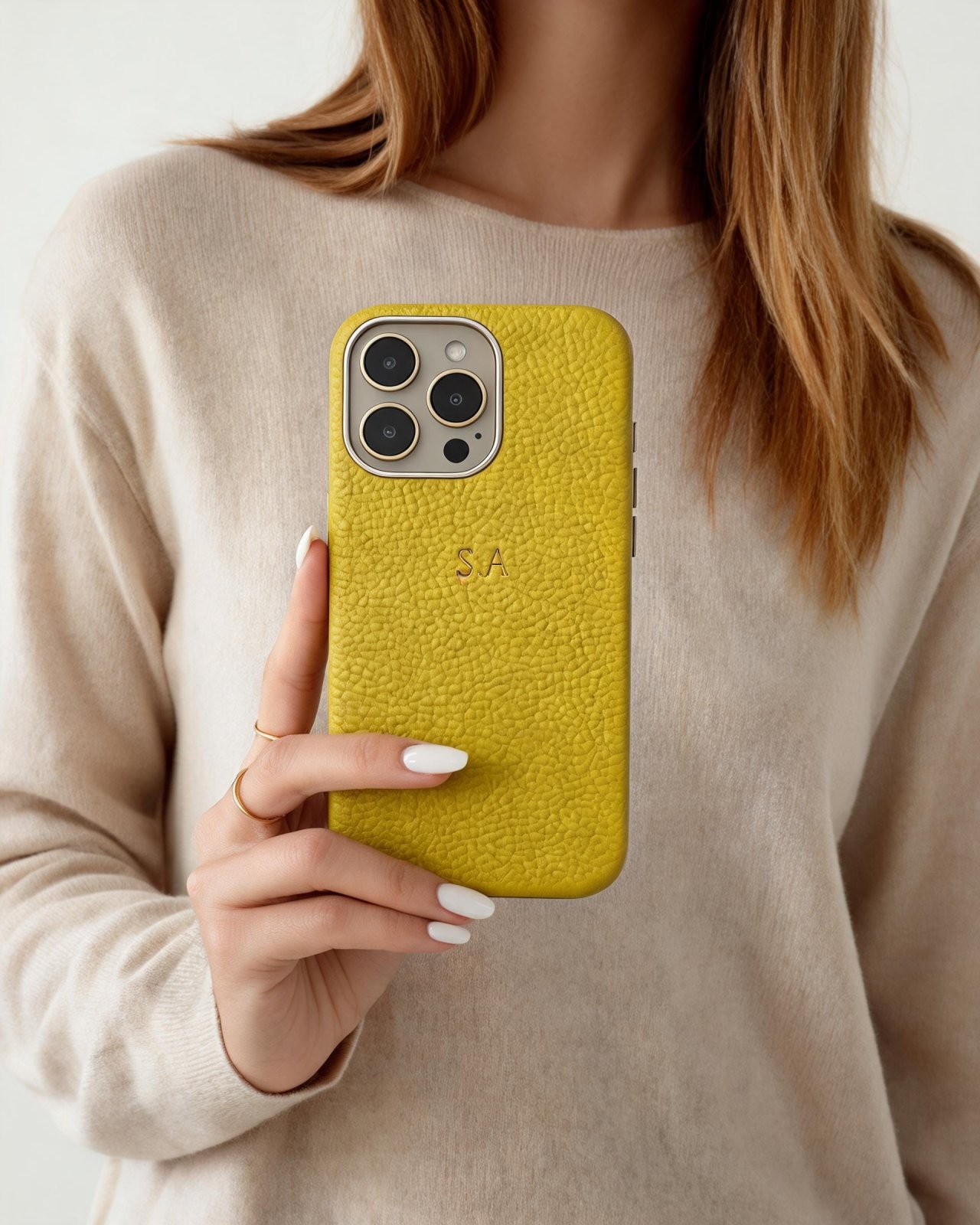
A woman in a beige jumper holds up a yellow textured phone case with the initials SA engraved, showing its back and camera cutout.
A common situation is someone buying a case for "an iPhone 15" but owning the iPhone 15 Pro, where the camera cut-out sits a few millimetres off.
Why two phones with the same screen size take different cases
A case wraps the outside of the phone: the frame, buttons, camera bump and charging port. Screen size tells you nothing about any of those.
Here is what actually differs between models that share a screen size:
- Body dimensions. A Pro model is often slightly thicker and a touch taller than the standard model.
- Camera layout. Two lenses, three lenses or a raised square module all need different cut-outs.
- Button placement. The power button can sit a few millimetres higher or lower.
A common mistake is trusting the product title. "Fits iPhone 15" often means the standard model only, so a Plus or Pro owner should look elsewhere.
How to Find Your Phone Model in Settings and on the Device
The fastest way to find your exact model is the "About phone" section in settings. It takes under a minute and gives the precise model name and number.
On an iPhone, open Settings > General > About (Find the model number of your iPhone, iPad, or iPod touch).
Where the model number hides on the phone and the packaging
Settings can be wrong if the phone was refurbished or the software was replaced. Check the hardware too.
- iPhone: the model number is printed on the back, or inside the SIM tray on newer models.
- Packaging label: the box lists the full model name and number. Keep it for future case purchases.
If the settings name and the printed number disagree, trust the printed number. That is the physical device you are buying a case for.
iPhone Case Compatibility Chart: Which Generations Share a Case
iPhone cases are rarely interchangeable across generations, even at the same screen size. The iPhone 15 and 15 Pro look similar but use different cases, thanks to the Pro's thicker camera bump and different body edges.
The safest rule is simple: buy for the exact model name, not the number after "iPhone". A case sold for the iPhone 14 will not fit the iPhone 15, and a Pro case will not fit a standard model.
Your iPhone |
Shares a case with |
Does not fit |
|---|---|---|
iPhone 15 |
iPhone 15 only |
15 Pro, 15 Plus, 14 |
iPhone 15 Pro |
iPhone 15 Pro only |
15, 15 Pro Max |
iPhone 15 Plus |
iPhone 15 Plus only |
15 Pro Max |
iPhone 15 Pro Max |
iPhone 15 Pro Max only |
15 Plus |
iPhone 14 |
iPhone 14 only |
14 Plus, 14 Pro, 13 |
iPhone 14 Pro |
iPhone 14 Pro only |
14, 14 Pro Max |
iPhone 13 |
iPhone 13 only |
13 mini, 13 Pro, 12 |
iPhone 13 Pro |
iPhone 13 Pro only |
13, 13 Pro Max |
Which iPhone models genuinely share dimensions
A common misconception is that the standard and Pro models of the same generation share a case.
Genuine overlaps exist mainly where Apple kept the chassis unchanged between standard generations. The iPhone 14 and 13 are close, but the 14's slightly larger camera bump means a 13 case may fit loosely around the lens opening.
Watch out: a case marketed as "fits iPhone 14 and 13" is usually a loose fit on one of them, and a loose fit lets grit behind the phone.
Why the model number matters more than the name
The model name alone is not enough. Apple ships regional variants with different model numbers, US models may lack a physical SIM tray that UK and European models include (Identify your iPhone model). External dimensions are normally identical, but the SIM tray cut-out can differ, so check the listing names your exact model number.
A manufacturer's compatibility chart is the only reliable source. Check it before ordering and match the model name exactly.
Phone Case Size and Camera Cut-Outs: The Details That Decide Fit
Phone case size and camera cut-outs decide fit more than any other spec. If the cut-out does not line up with the lenses, the case is wrong even if the phone slides in. Height, width and depth alone are not enough, because two phones can share those numbers and still reject each other's cases.
The mechanisms that break compatibility beyond dimensions
- Camera bump shape. A raised square module, horizontal bar or circular island each needs a matching opening; a case cannot sit flush over the wrong shape.
- Case lip height. Too high a lip can lift a screen protector or block a curved edge; too low leaves the glass exposed.
- Button placement. Buttons a few millimetres off will be pressed constantly or not at all.
A practical check before you buy
Work through this sequence in order, and stop at the first mismatch:
- Confirm the model. Use the settings screen and the printed model number, not the marketing name.
- Compare dimensions. Check height, width and depth against the case listing, allowing for the case's own thickness.
- Inspect the cut-outs. Match the camera bump shape, button positions and port openings to your device.
- Check the seller's compatibility list. A reputable listing names the exact model numbers it fits, not just the family name.
Checking fit and safety after the case arrives
Once the case is on, check that all four corners clip securely and the phone does not rock face-down. Press every button and confirm free movement. Look through the camera opening to confirm no lens or flash is obscured. If you use wireless charging, confirm it connects without removing the case. A case that fails any check should go back before it causes damage.
Watch out: a loose case lets grit in behind the phone, and that grit scratches the finish over time. A secure fit matters as much as protection.
Order Your Personalised Case With the Right Model Selected
Once you know your exact model, ordering is straightforward: match the listing's model name to your settings, and check the camera cut-out shape one last time.
Our personalised iPhone cases are made for specific models. Each is crafted from premium vegan leather, with personalisation options available in gold or silver lettering.
- Personalised Pebble Grain iPhone Case, with a refined pebble texture and shock-absorbing protection.
- Personalised Croc iPhone Case, for a distinctive croc texture finish.
- Personalised Lizard iPhone Case, with a raised lip edge for lens protection.
- Himalayan Croc Texture Personalised Case, in light silver grey or light brown beige.
Not sure how to pick the right model at checkout? Our guide on how to order custom phone cases with fast shipping walks through model selection step by step.
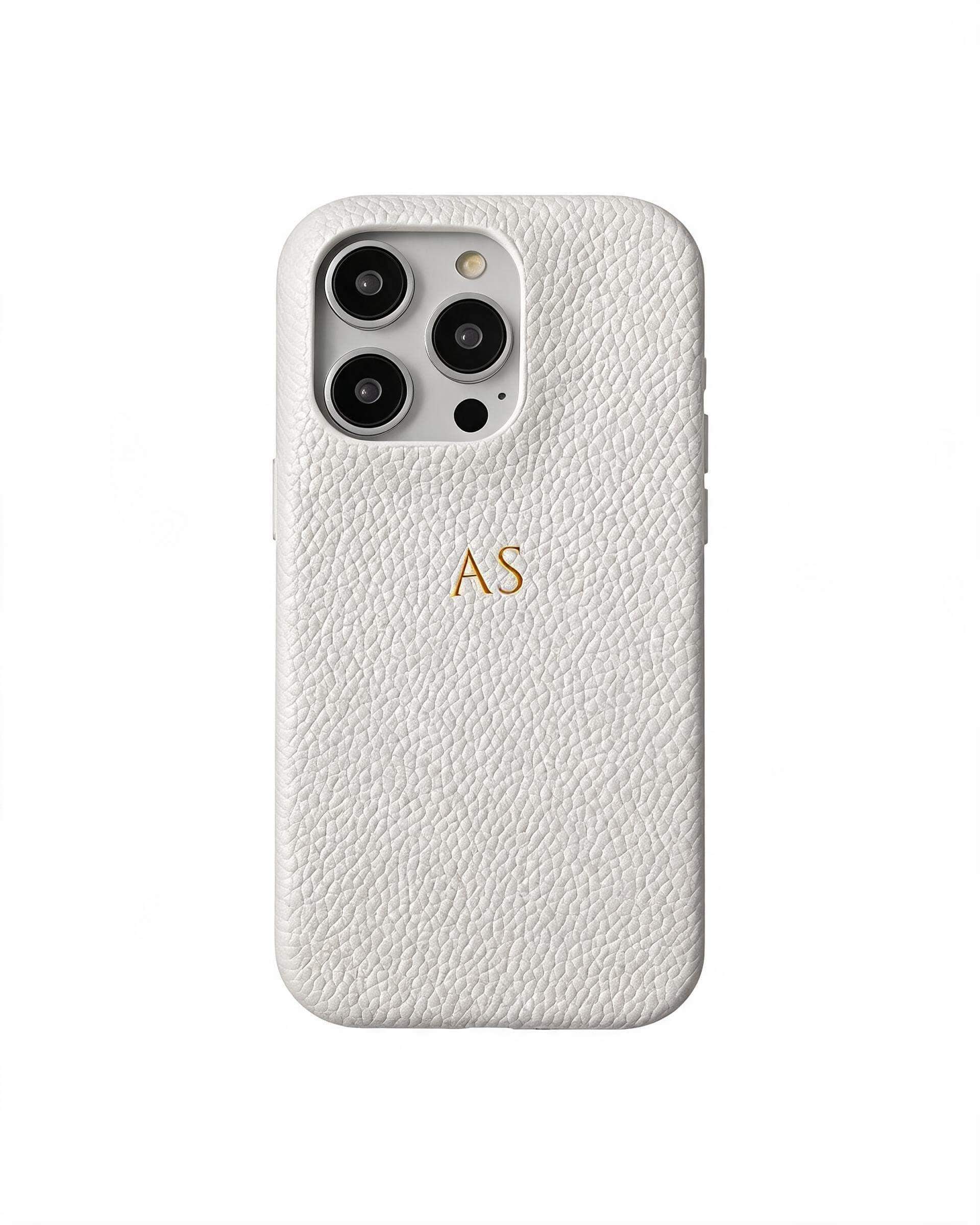
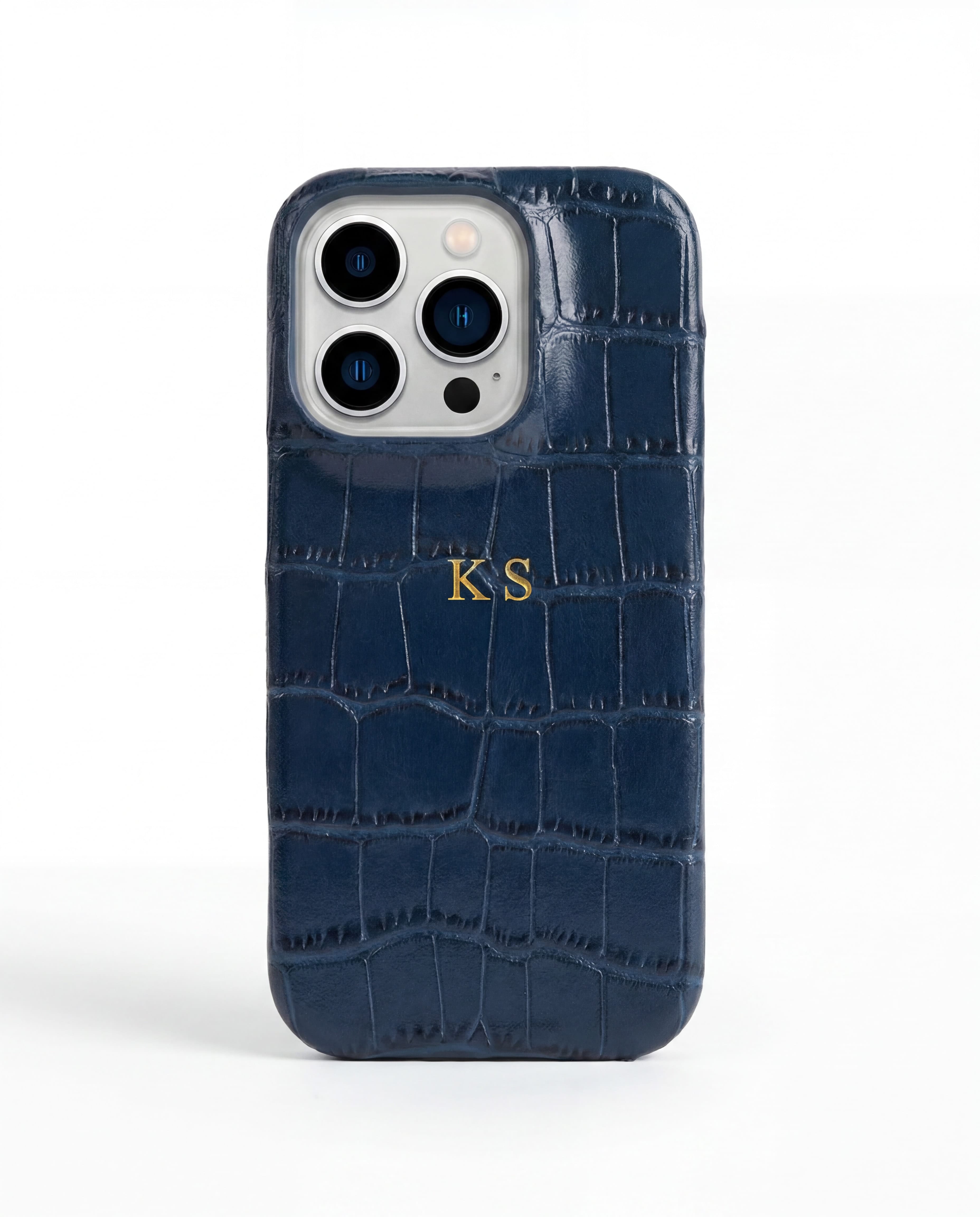
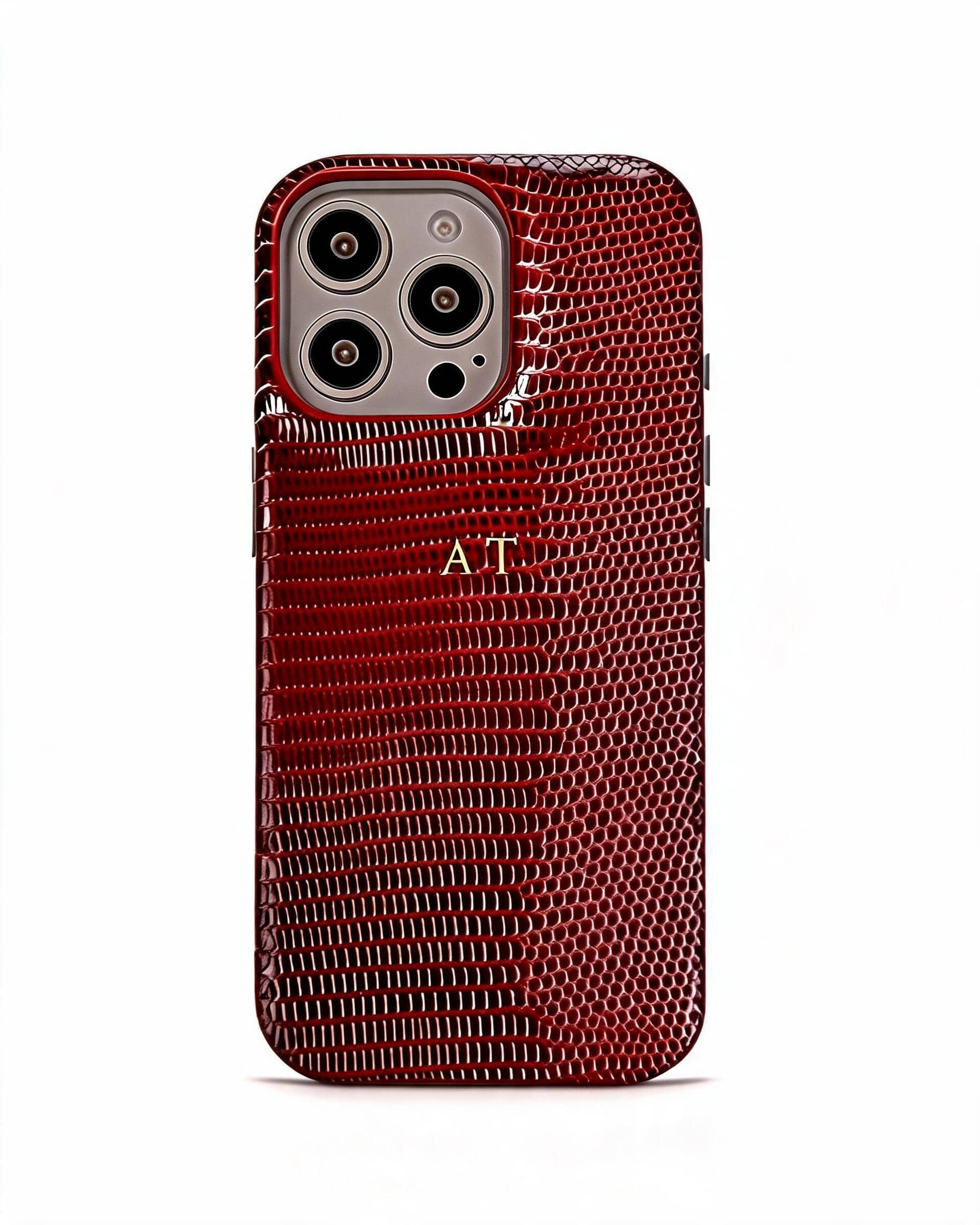
One thing to know before you order: because each case is personalised, it is not returnable unless faulty.
Getting the model wrong is the one mistake that turns a considered purchase into a return.
Frequently Asked Questions
How do I know if a phone case will fit my phone?
Check three things before ordering: the exact model name and number in your phone's settings, the physical dimensions of the device, and the position of the camera bump, buttons and charging port. A phone case fit depends on all three, not just screen size. If the case listing names your exact model, including Plus, Pro or Ultra variants, it should fit. If it only says a screen size, treat it as a guess and verify further.
Do iPhone 13, 14 and 15 use the same case?
No. The iPhone 13 and iPhone 14 are close in size but their camera layouts differ, so a case made for one will not sit correctly on the other. The iPhone 15 differs in its body and port layout, so cases are not generally shared with the 13 or 14 either. Always match the case to the exact generation printed in your settings rather than assuming a nearby model number will work.
Can a phone case fit if the screen size is the same?
Screen size alone is not enough. Two phones can both have a 6.1-inch display but differ in body dimensions, camera cut-out shape, button placement and port position. A case built for one will either not clip on or will cover the wrong openings. Use screen size as a first filter, then confirm the exact model, camera layout and port alignment against the case listing.
